Advanced and higher
Compressing Revisions
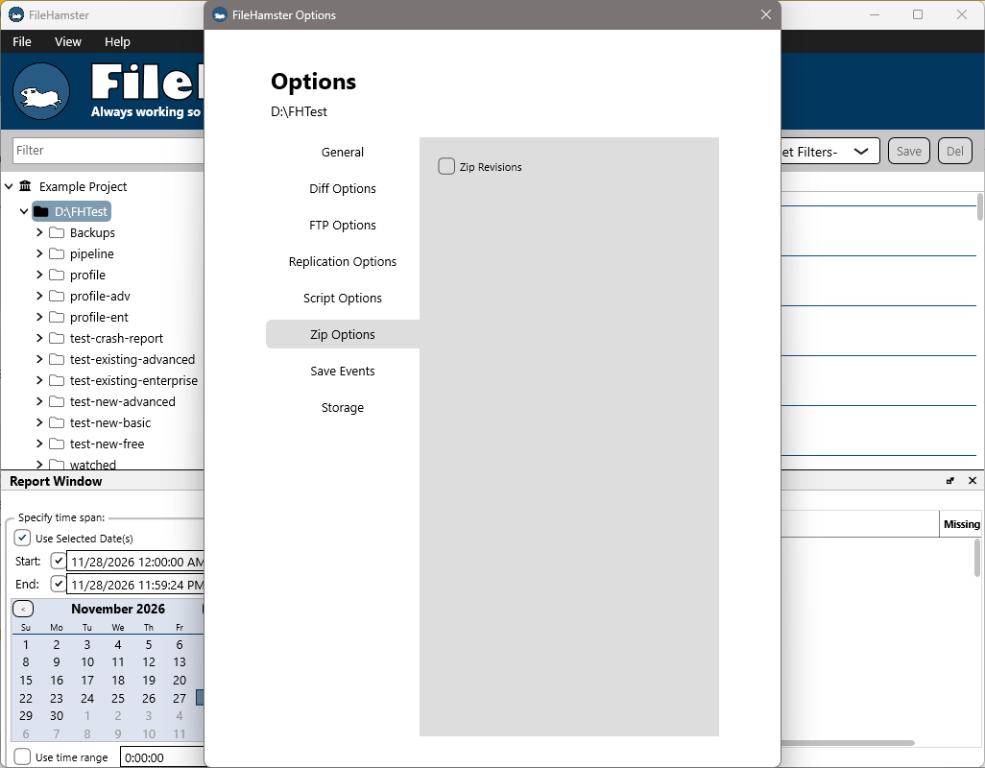
Use ZIP compression for stored revision history.
How to
- Open Options on the library, watch, folder, or file whose history you want to configure.
- Select Zip Options and enable Zip Revisions.
- Save the settings and create a new revision by saving a watched document.
- Browse and restore compressed history through FileHamster as you would other revisions.
