Free and higher
Watching Files and Folders
Choose files or folders for automatic revision monitoring.
How to
- Create or select a backup library. The welcome window can help you choose its location.
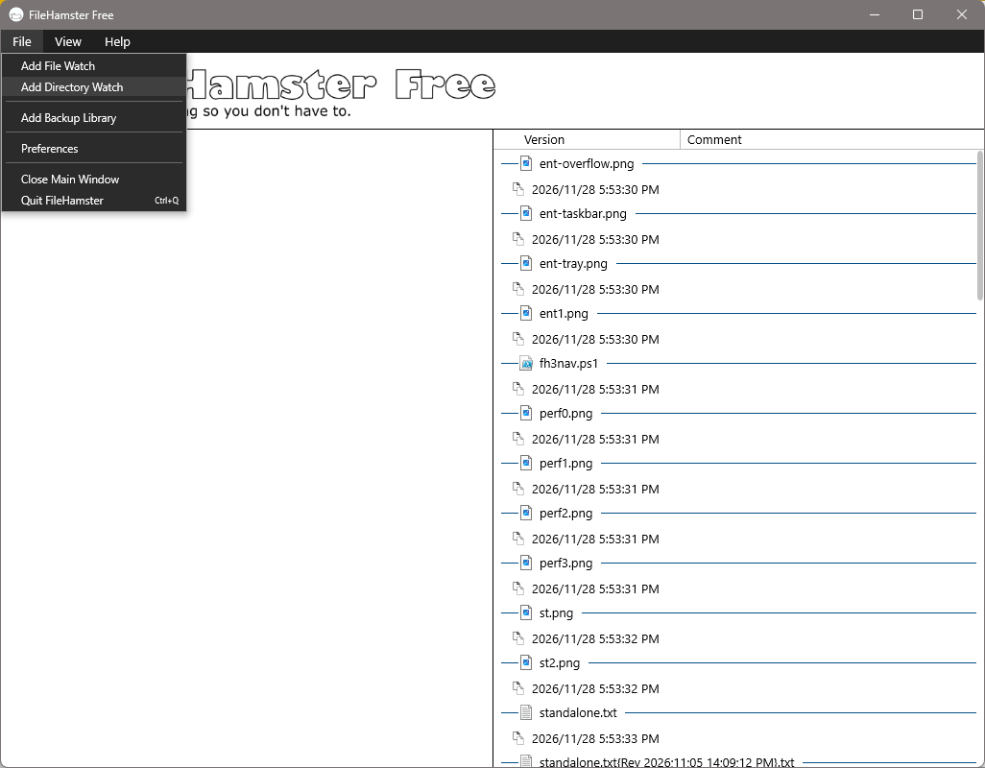
- Choose File > Add File Watch or File > Add Directory Watch, then select the item to monitor.
- Save a change to the watched file. FileHamster captures a revision in its configured storage location.
- Expand the watch in the tree to browse its documents and revisions.
