Free and higher
Revision Storage and Limits
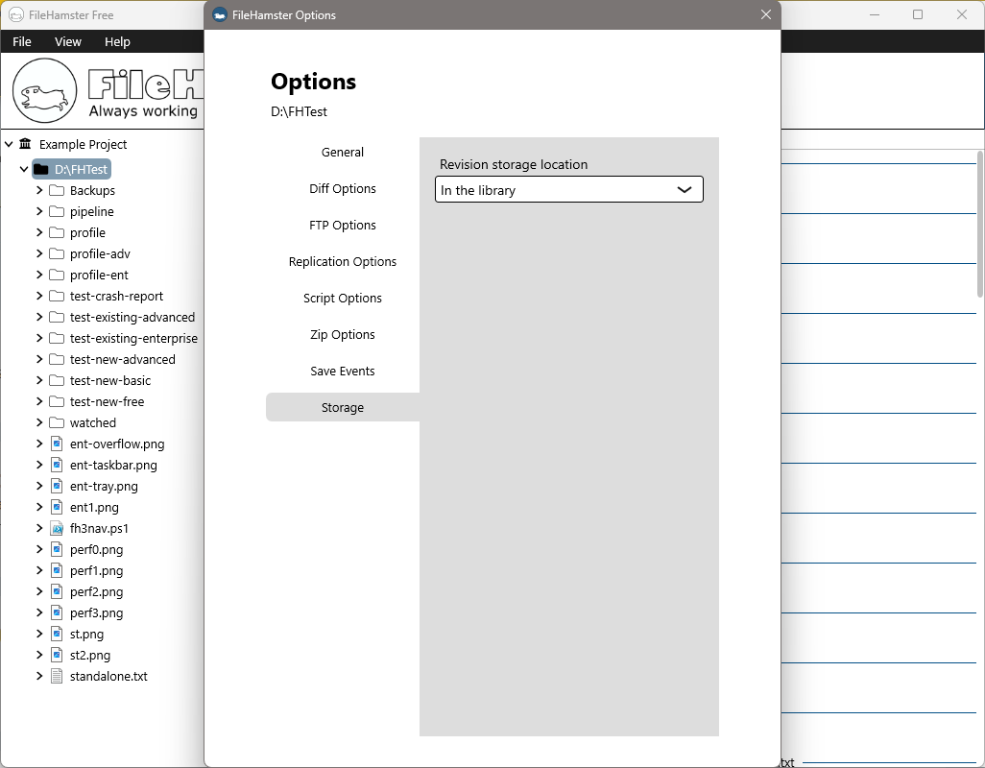
Choose where history is kept and how many unprotected revisions to retain.
How to
- Right-click a library, watch, folder, or file and open Options.
- Under Storage, choose In the library or Beside each document (.Backups).
- Under General, set Maximum Revisions; zero disables the limit.
- Review the storage change before saving. Moving history requires both the library and source location to be available.
Note: Protected revisions are not automatically pruned. Keep an independent backup of your revision storage.
