Free and higher
Viewing and Restoring Revisions
Find an earlier version and restore it when needed.
How to
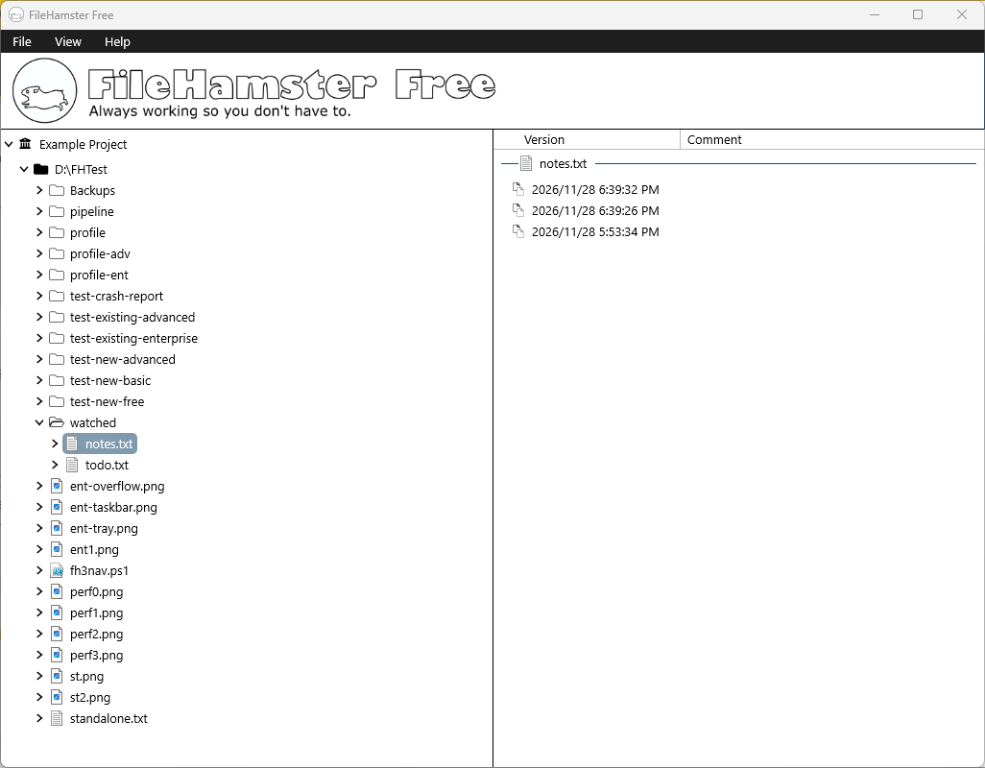
- Expand a watch and select a document to see its revisions.
- Select a revision and open it to inspect the saved copy before restoring.
- Right-click the revision, choose Restore, and review the confirmation before proceeding.
- Restore replaces the current source with the selected revision; keep a separate copy first if you need the current contents.
