Advanced and higher
Reports and Export
Review revision history and export selected report rows.
How to
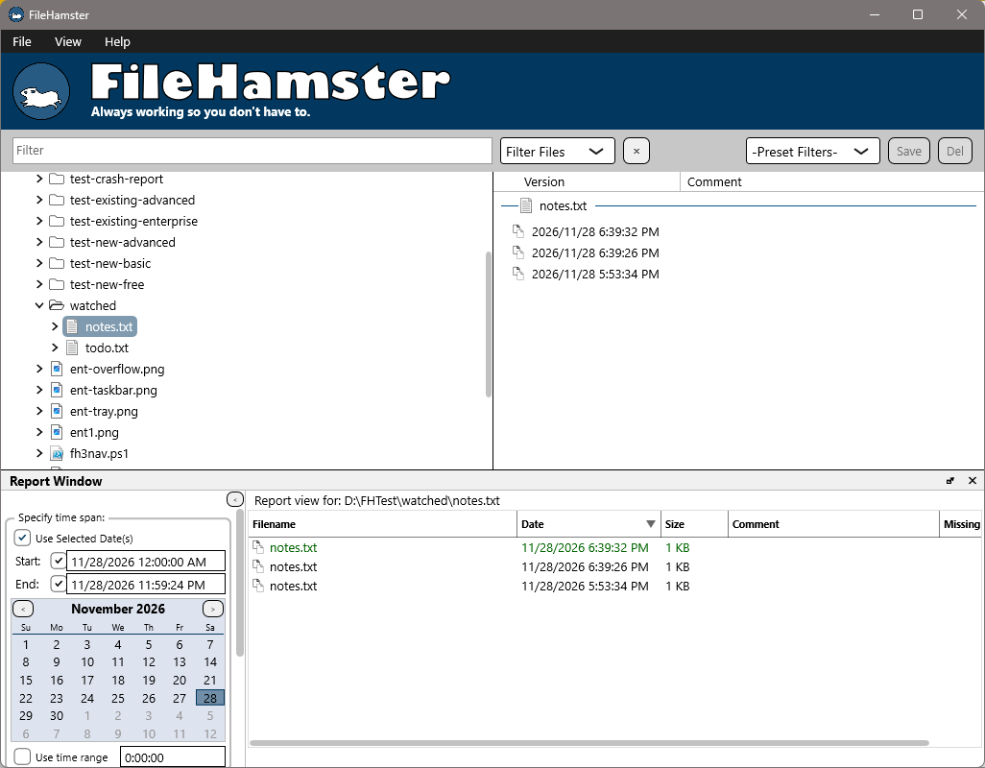
- Choose View > Report Window and select a library, watch, or document in the watch tree.
- Use the report controls to narrow the displayed history, then generate or review the report.
- Select report rows and right-click for actions such as Restore, Edit Comment, or Copy to.
- Choose Export Reports to save selected rows as SYLK, CSV, or tab-delimited text.
