Advanced and higher
Replicating Files
Copy captured revisions to up to four additional locations.
How to
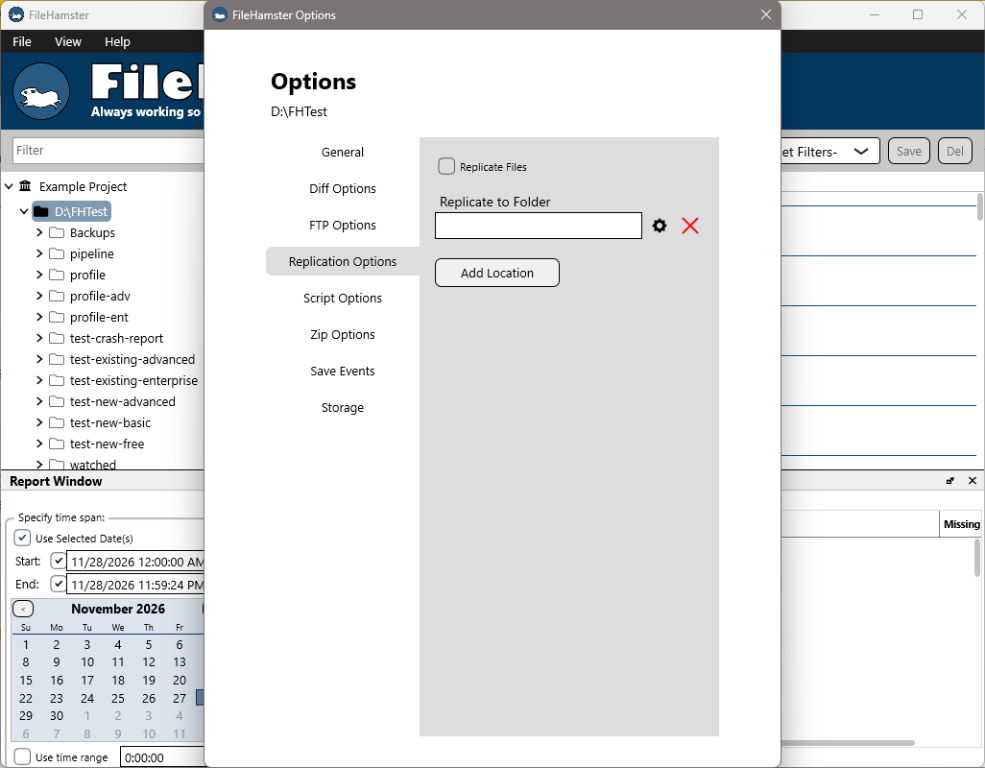
- Open Options > Replication Options and enable Replicate Files.
- Choose a Replicate to Folder destination; use Add Location for additional destinations.
- Use the location settings to choose naming, folder layout, filters, and optional deletion behavior.
- Save the settings and create a revision. Check the destination and Log for the result.
Note: Replicas are separate from the canonical revision store. Use an empty, non-overlapping destination.
