Advanced and higher
Removable Libraries and Portable Mode
Reconnect a library on a removable drive and optionally carry a portable profile.
How to
- Connect the drive and choose File > Add Backup Library to add a library on it.
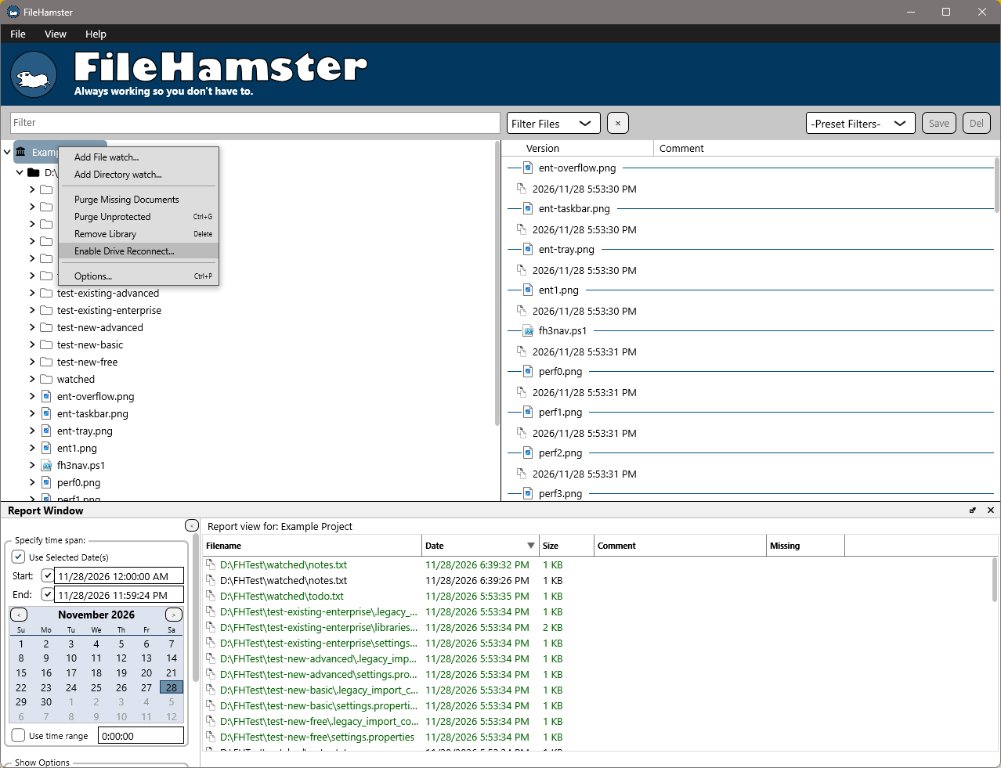
- For an existing library, right-click it while the drive is connected and choose Enable Drive Reconnect.
- Keep the library identifier file with the library so FileHamster can recognize it after remounting.
- For portable mode, place an empty FileHamster.portable file alongside a compatible executable or app bundle. Copy an activated license.fhkey into FileHamsterData alongside it.
Note: Quit the portable app before ejecting the drive. The host must support the app build and its runtime requirements.
