Basic and higher
Protecting Revisions
Keep important revisions from automatic pruning.
How to
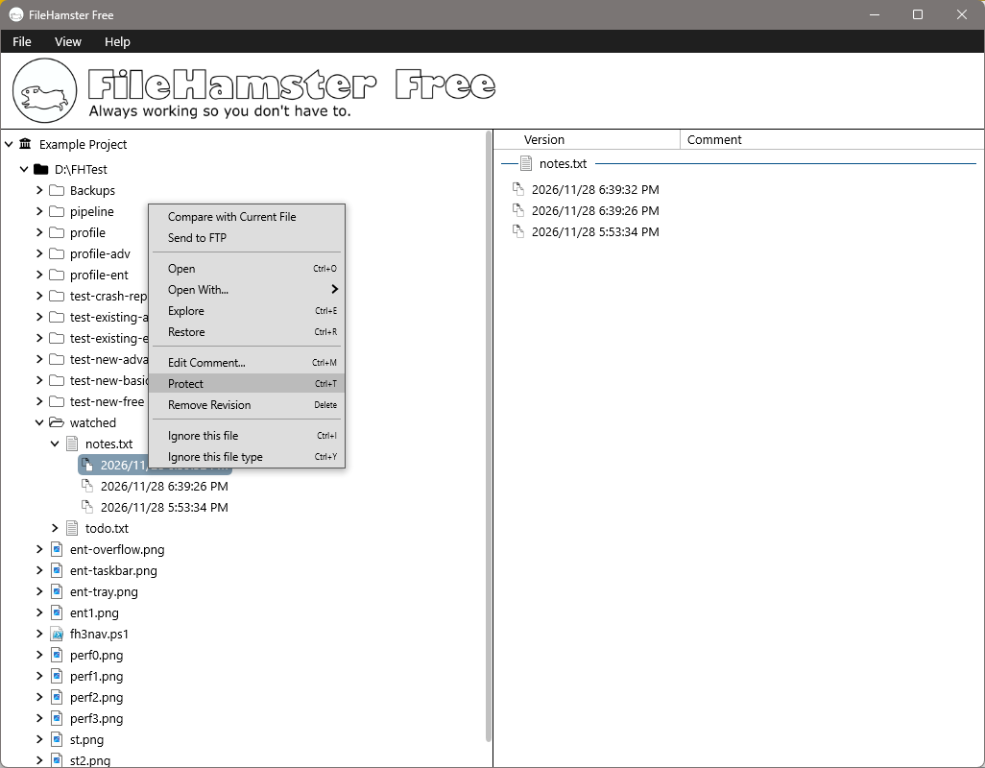
- Select an important revision in the watch tree or revision list.
- Right-click and choose Protect.
- To make it eligible for removal again, choose UnProtect.
- Protected revisions do not count toward the Maximum Revisions limit for unprotected history.
