Free and higher
Managing Watches and History
Pause monitoring, update revisions, and manage history you no longer need.
How to
- Choose View > Pause Watching to pause monitoring, and select it again to resume.
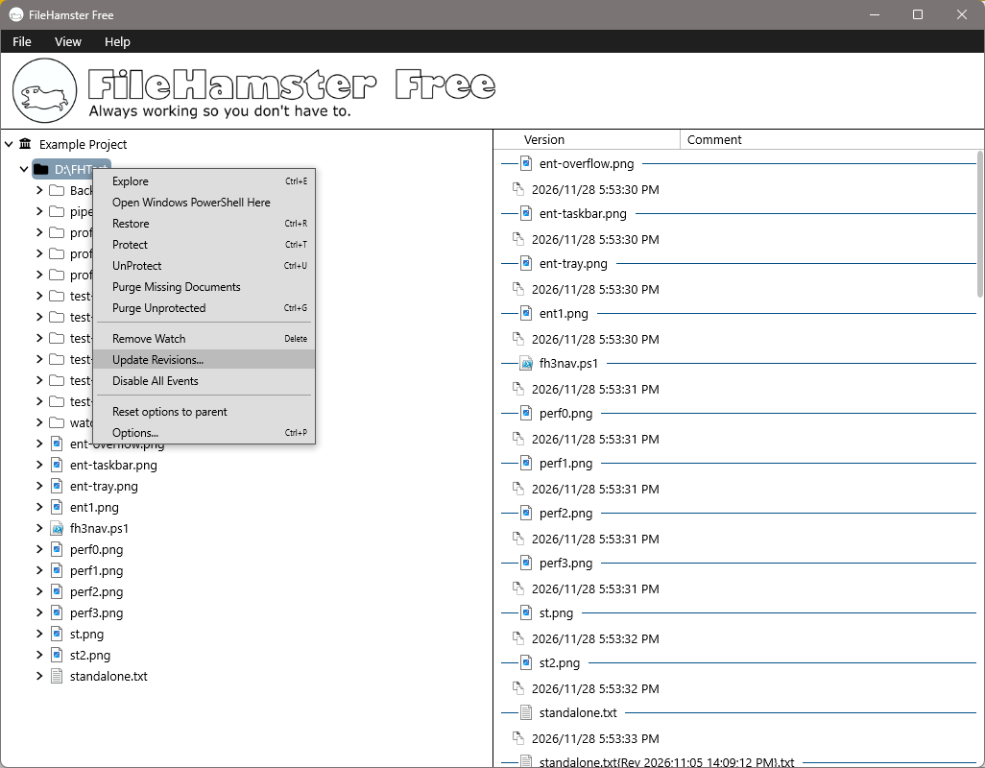
- Right-click a document, folder, or watch and choose Update Revisions to queue eligible source files for capture.
- Right-click an unprotected revision and choose Remove Revision to delete that revision.
- Use Purge Unprotected, Remove Document, Remove Watch, or Remove Library only after reviewing the confirmation and the history affected.
Note: Removing history can be permanent. Keep independent backups of anything you need to retain.
