Free and higher
Importing Earlier Libraries
Bring FileHamster 1 or 2 library configurations into FileHamster 3.
How to
- Keep the existing libraries and revision stores available on the computer.
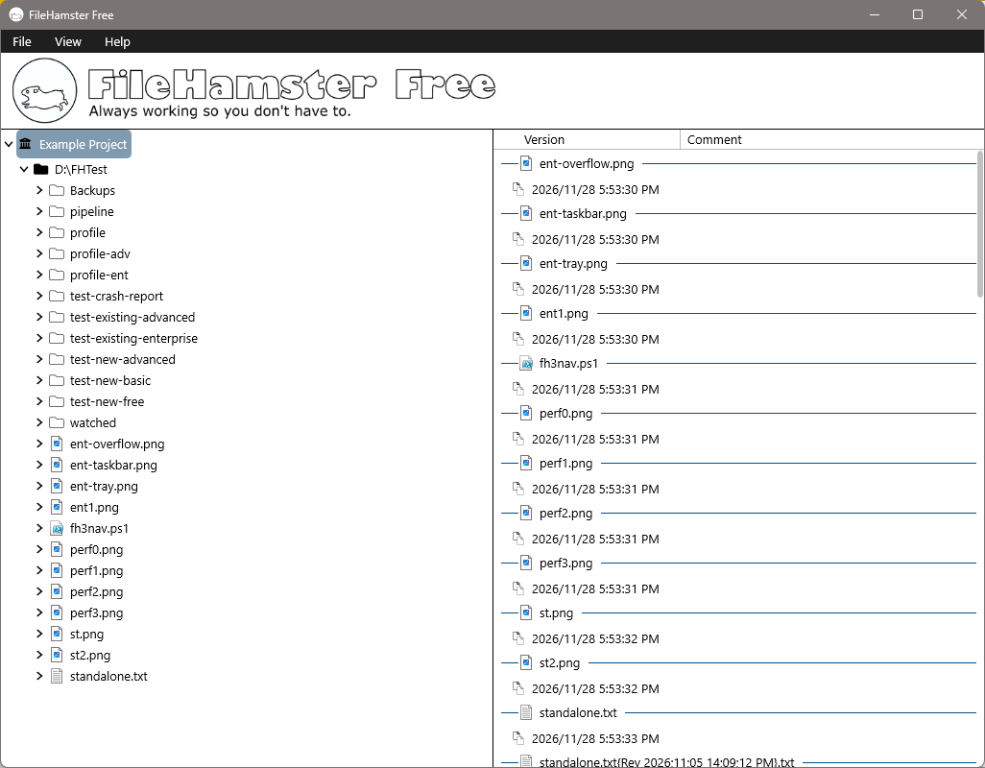
- On the first non-portable start, FileHamster 3 detects supported earlier configurations and imports library and watch settings if no libraries are already configured.
- Check the imported libraries and watches in the tree, and verify that the source paths are accessible.
- Open a document and inspect its revision history. Existing revision stores are not moved or rewritten by the import.
