Basic and higher
Filtering the Watch Tree
Narrow the watch tree to relevant files, folders, or watches.
How to
- Choose View > Filtering Toolbar if the toolbar is not visible.
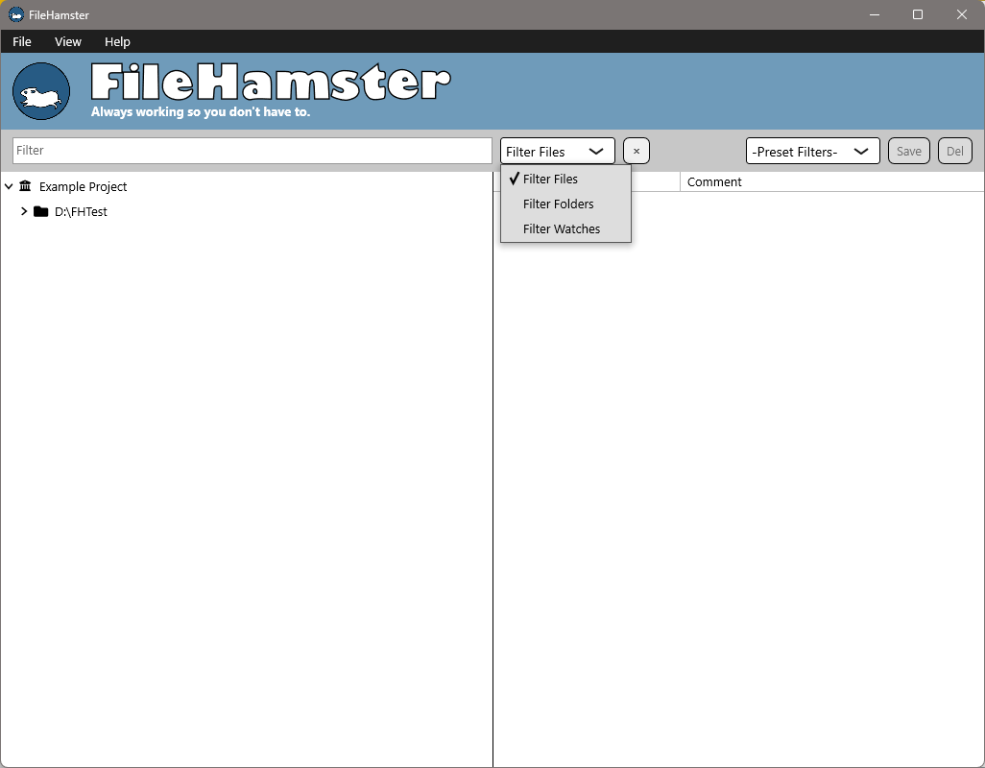
- Choose Filter Files, Filter Folders, or Filter Watches.
- Enter a term in the Filter field to narrow the displayed tree.
- Clear the filter when you want to see the full tree again.
