Free and higher
Updates and Feedback
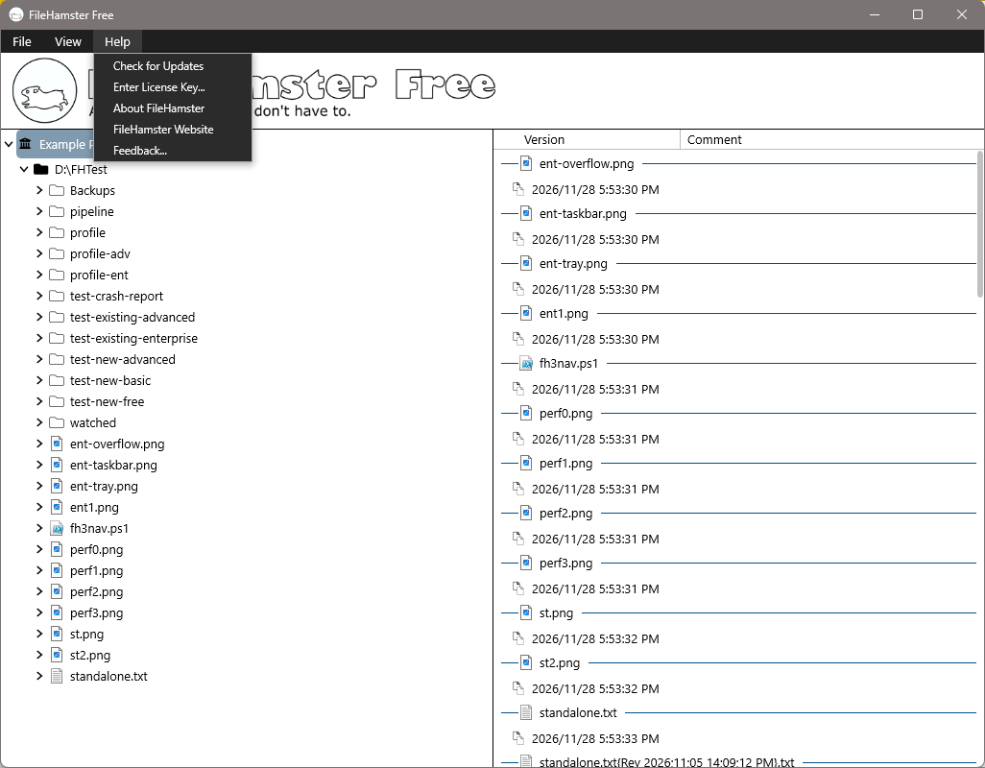
Check for updates and send feedback or an error report.
How to
- Choose Help > Check for Updates to check for a newer release.
- Choose Help > Feedback to write a message and provide a reply email.
- Review the app version, operating system, and recent activity included with the draft, and remove any private details before sending.
- If FileHamster offers a crash report after a restart, review it and choose whether to submit it.
Note: Feedback and crash information are not sent unless you choose to submit them.
