Advanced and higher
Comparing Revisions
Compare history with the current document or another revision.
How to
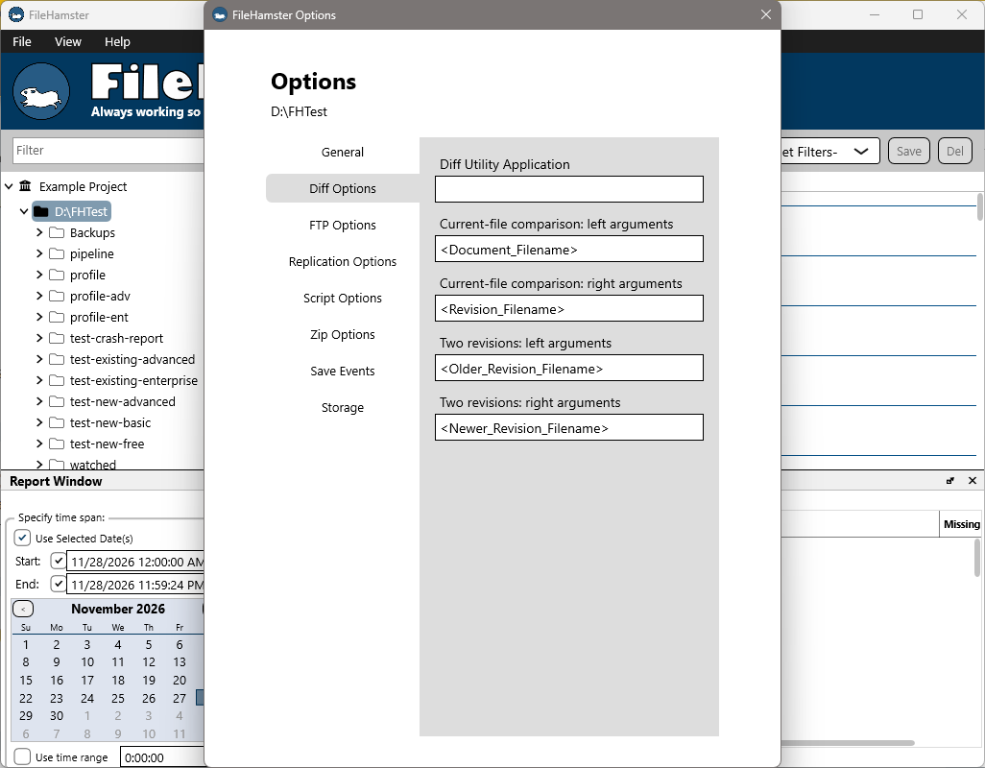
- Open Options > Diff Options and select an external comparison application.
- Select one revision and choose Compare with Current File, or select two revisions of the same document using Ctrl-click (Cmd-click on macOS).
- For two selections, right-click and choose Compare Selected Revisions.
- Review the comparison in your external tool. For two revisions, the older one is shown on the left by default; for a current-file comparison, the current file is on the left.
