Basic and higher
Revision Comments
Add notes that explain what changed in a revision.
How to
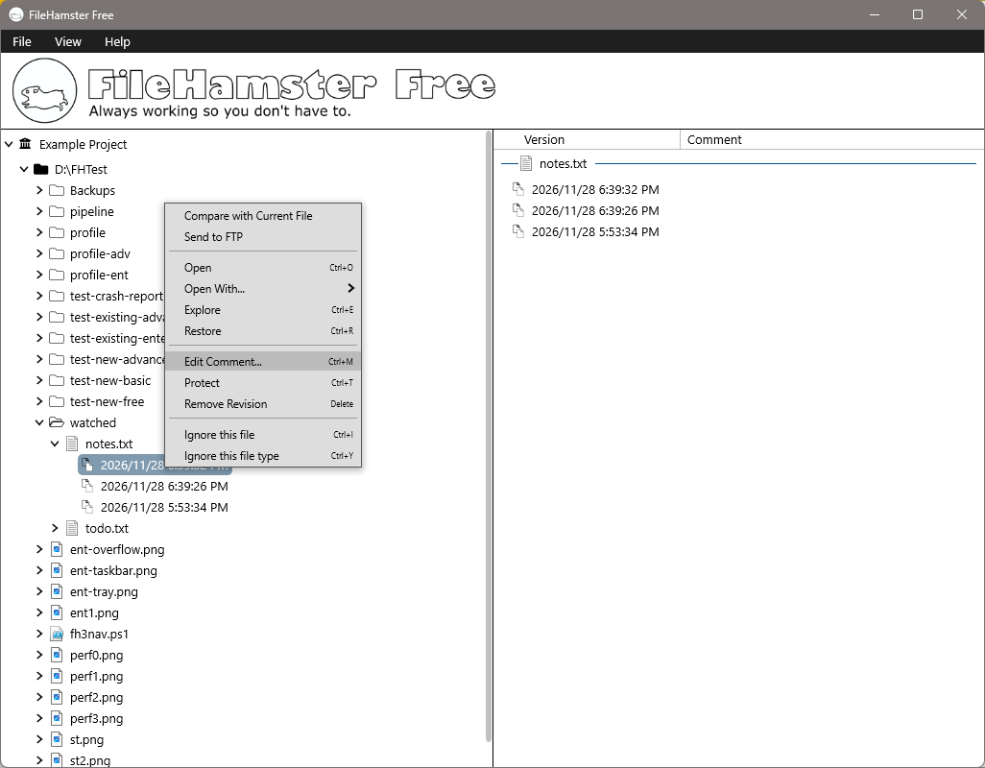
- Select a document and locate a revision in the tree or revision list.
- Right-click the revision and choose Edit Comment.
- Enter a short description, such as Initial draft, and choose Comment.
- Review the comment in the revision list or a report.
