Free and higher
Appearance and Preferences
Choose a theme and adjust the FileHamster workspace.
How to
- Open File > Preferences to review application settings.
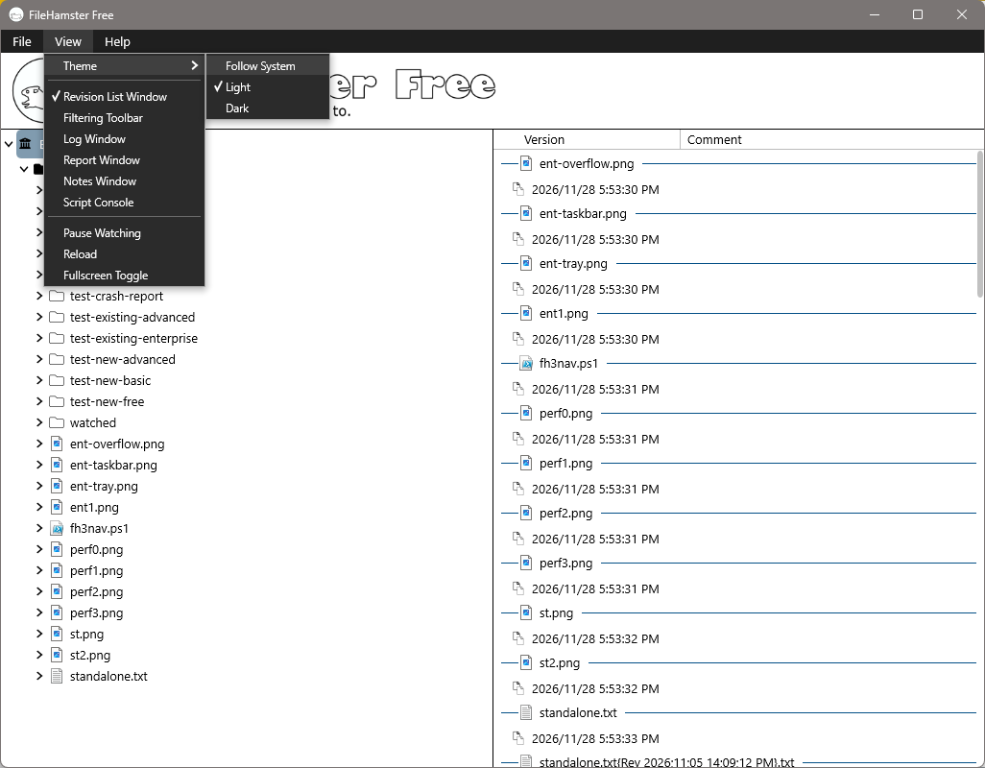
- Choose View > Theme and select Follow System, Light, or Dark.
- Use the View menu to show or hide windows such as the Revision List Window or Log Window.
- Choose View > Fullscreen Toggle to enter or leave full-screen mode.
